The short version
- In a waste business the customer record has to carry sites, access, prices and the paperwork, not just a name and a deal value.
- The biggest test is what happens when a quote is accepted: does it become the job, or does someone type it in again?
- Quotes should come from your price list, with VAT and deposits worked out, and be accepted online.
- The CRM should hold the waste record for each job, because that’s what customers and regulators ask about.
- Check how you get your data out, what it costs per user, and whether the field team can use it on a phone.
Why waste businesses outgrow general CRMs
Most CRMs are built around a sales pipeline: a contact, a deal, a stage, a value. That covers the first ten minutes of a clearance or skip hire. What follows doesn’t fit: the site and its access, the price from your rate card, the deposit, the crew and van, the photos, the transfer note, the tip receipt, the balance.
When the CRM stops at “won”, the rest lives in a diary, a spreadsheet, a WhatsApp group and a pile of transfer notes. Every hand-off is a chance to lose something, and nobody can see the whole job in one place.
What a waste CRM needs to do
| Need | What good looks like |
|---|---|
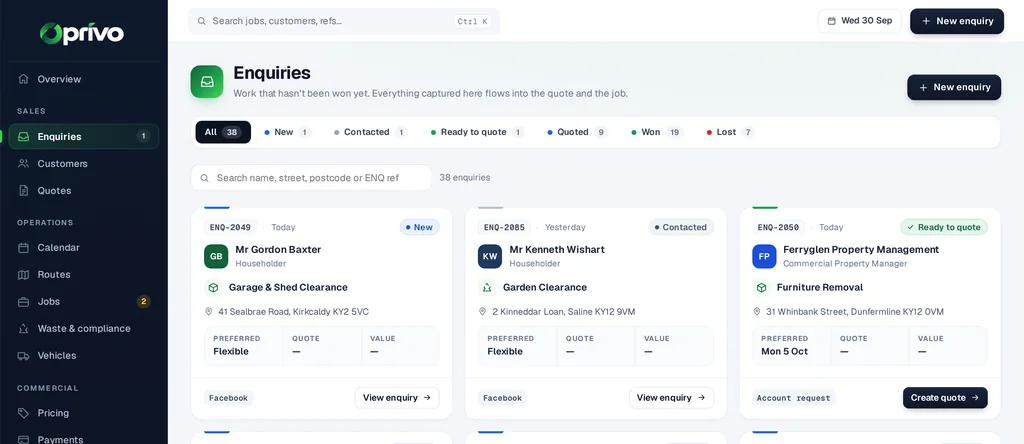
| Enquiries | One board with every enquiry by stage, where it came from, and what the customer wants. |
| Customers and sites | Residential and commercial customers, each with contacts and several sites, and access notes per site. |
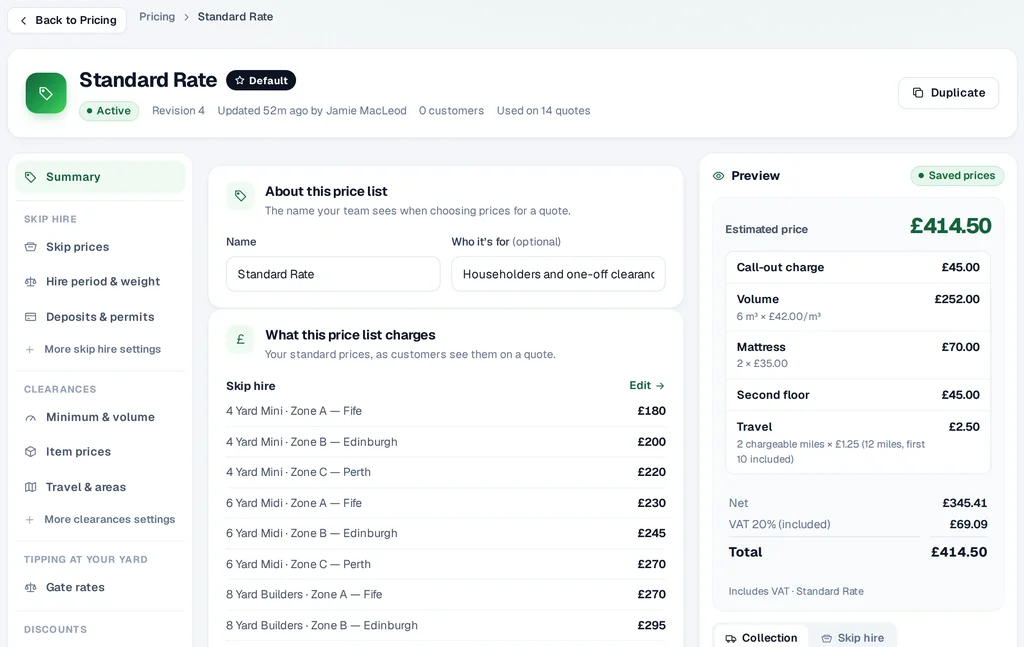
| Prices | Quotes built from your own price list, with customer-specific prices for trade accounts. |
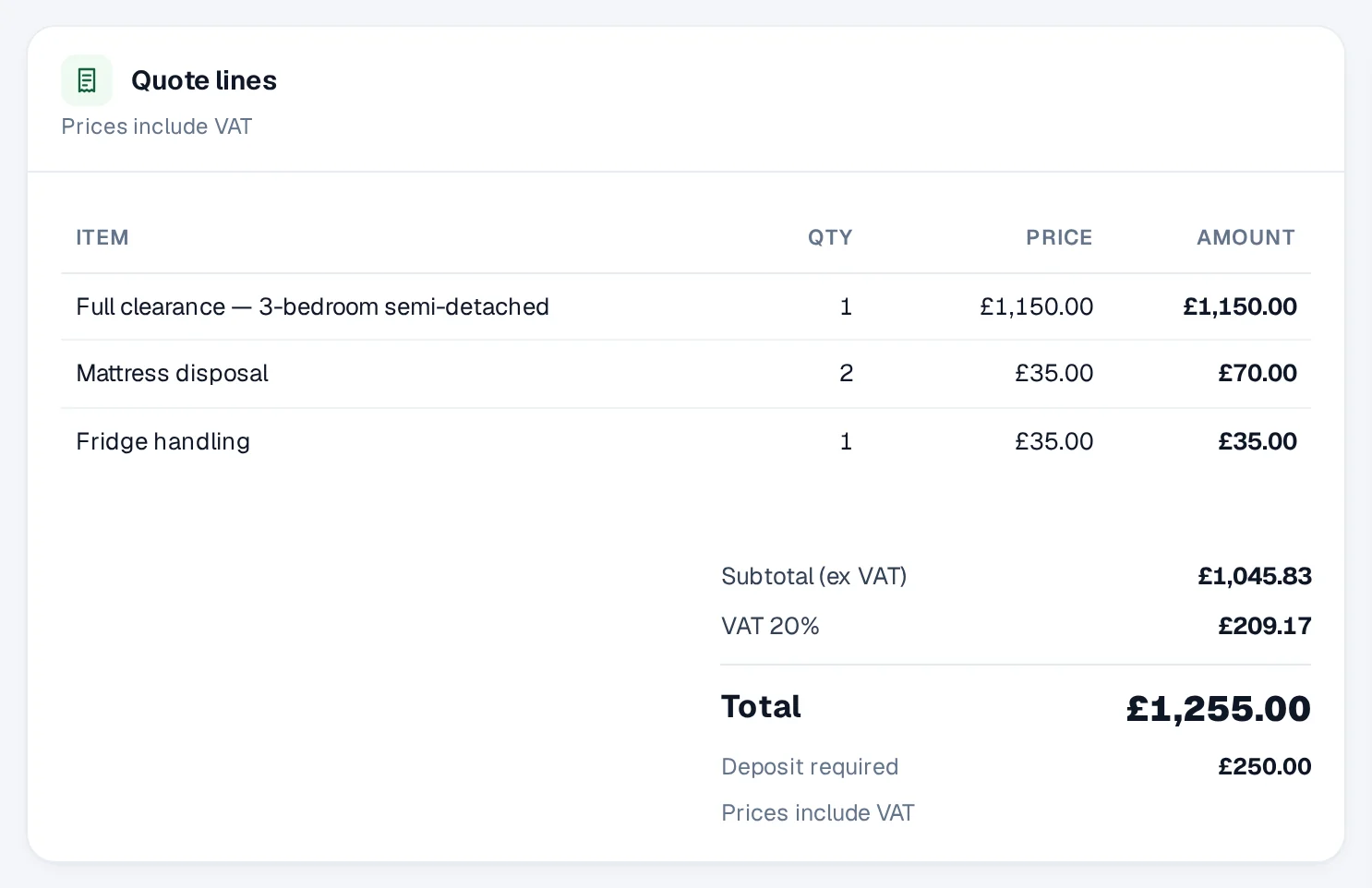
| Quotes | VAT and deposits worked out, sent from the system, and accepted or declined online. |
| Quote to job | Accepting the quote creates the job with its lines, site and customer carried over. |
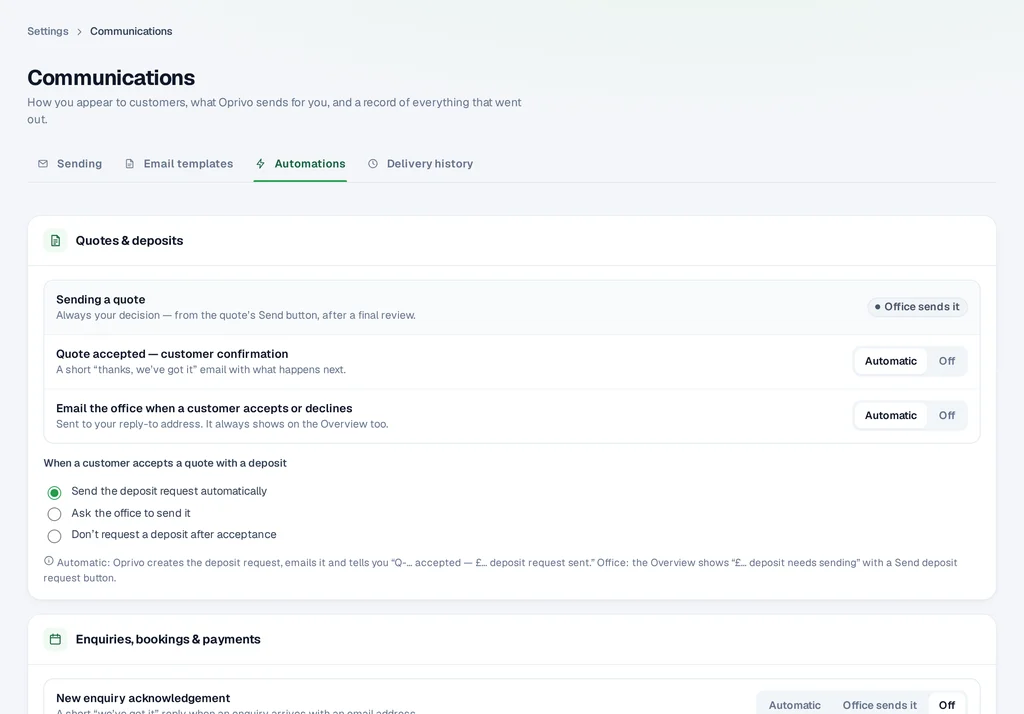
| Customer emails | Acknowledgements, confirmations and deposit requests in your business name, with a delivery history. |
| Payments | Deposits, payment links, card payments, bank transfers and invoices against the job’s balance. |
| Waste records | Each job’s loads, EWC codes, transfer notes and disposal evidence on the same record. |
| Field team | Crews see their jobs, access notes and what the customer needs on a phone. |
The real test: what happens at “yes”
Ask any CRM you’re considering to show you a quote being accepted. Then watch what happens next. If someone has to create the job, re-enter the address, copy the price and set up the deposit by hand, the CRM is a sales tool bolted onto a separate operation. If the accepted quote becomes the job, with the deposit request on its way, you’re looking at something built for the work.

Questions to ask before you buy
- Can I quote from my own prices? By volume, weight, items, access and travel, not just a single total.
- Does a commercial customer with five sites stay one customer?
- Can customers accept a quote online, and does that create the job?
- Do customer emails come from my business name? And can I change the wording?
- Where do the waste records live? Transfer notes, EWC codes, tip receipts. See what a transfer note needs.
- What does the field team use? And do they need to install anything?
- How is it priced? Per user, per job, or per month, and what changes as you grow.
- Can I get my data out? Ask how, before you need to.
Customer data: the basics
A CRM holds personal data about your customers, so UK GDPR applies. Collect what you need for the job, keep it secure, and only keep it as long as you need it. If you plan to send marketing emails, the rules are stricter than for quotes and confirmations; our guide to turning enquiries into booked jobs covers the soft opt-in.
Oprivo’s CRM
Sources
- NetRegs: Waste transfer notes and how to complete them
- ICO: Electronic mail marketing (guide to PECR)
Last checked 3 November 2026. Rules and dates can change, so check the official guidance for your nation before relying on them. This guide is general information, not legal advice.